★★★★★
Eine der schönsten Quran-Apps, die ich bisher genutzt habe. Schlicht, angenehm und wirklich hilfreich. Man merkt, dass viel Herz darin steckt.
Ghudi, UAE
★★★★★
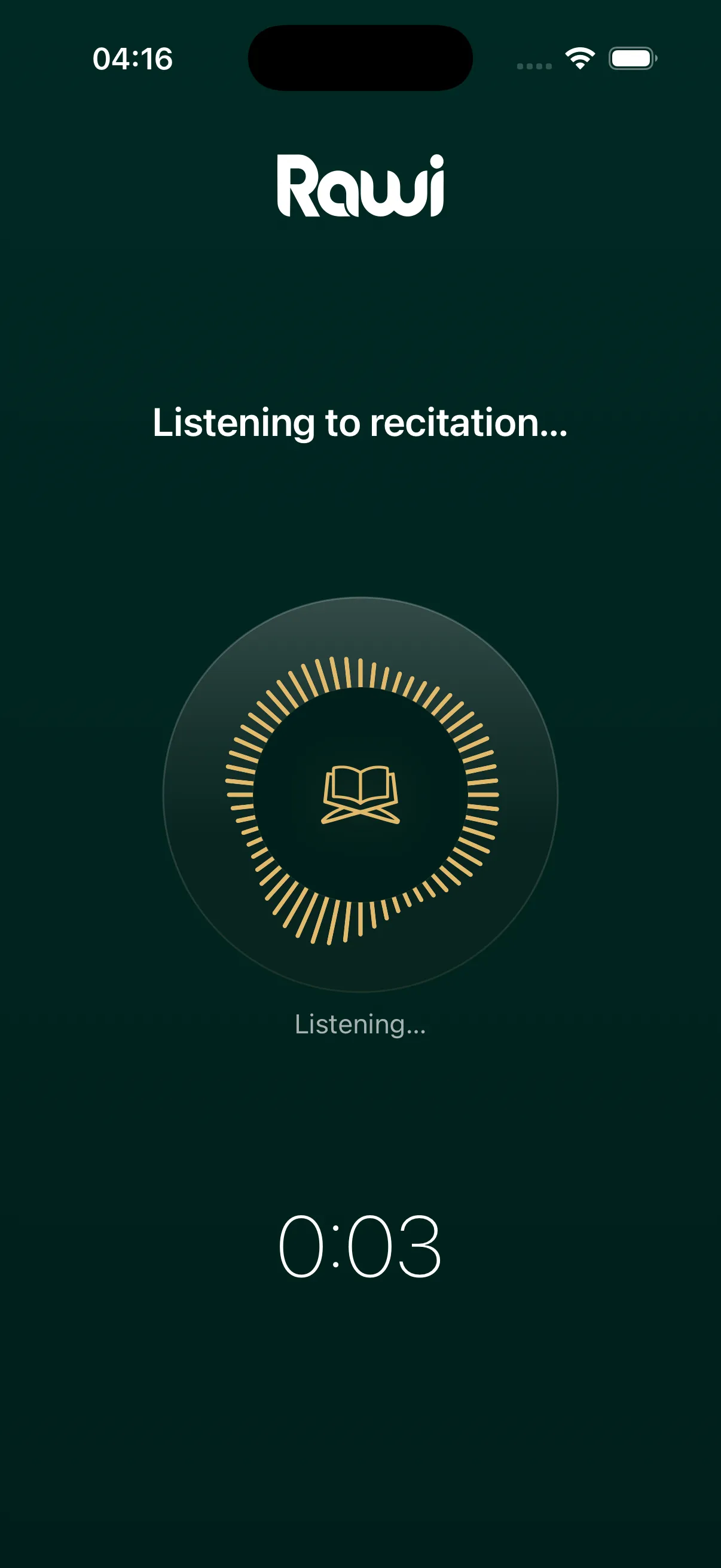
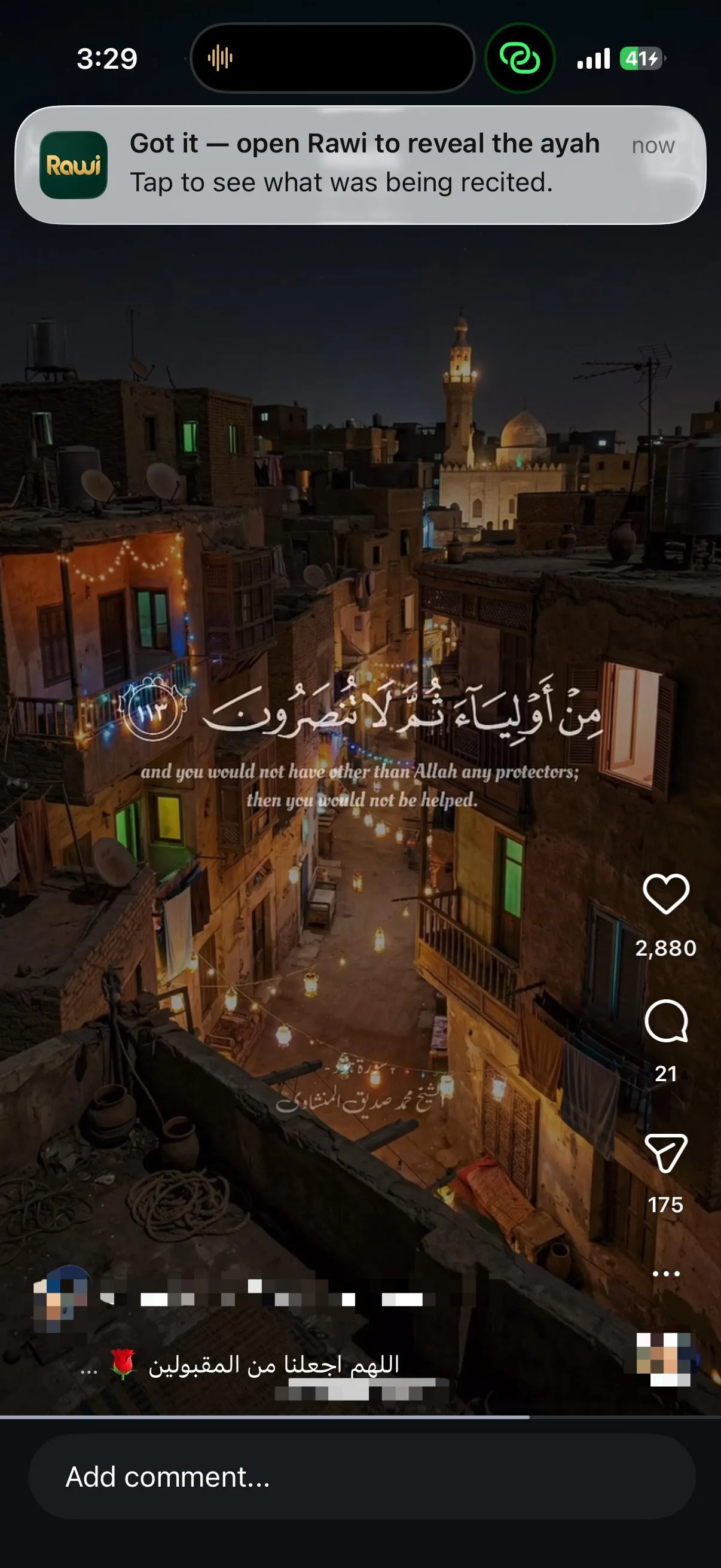
I was wondering many times which surah or ayah is recited when I attended a gathering where the Quran was recited. Every muslim should get this app. It identifies the ayah very quickly.
Fatma, Germany
★★★★★
Allahuma Barek, eine sehr tolle App!! Ich finde sie super.
Eleen, Germany
★★★★★
I like the app. Thank you for releasing it.
App Store review, Germany
★★★★★
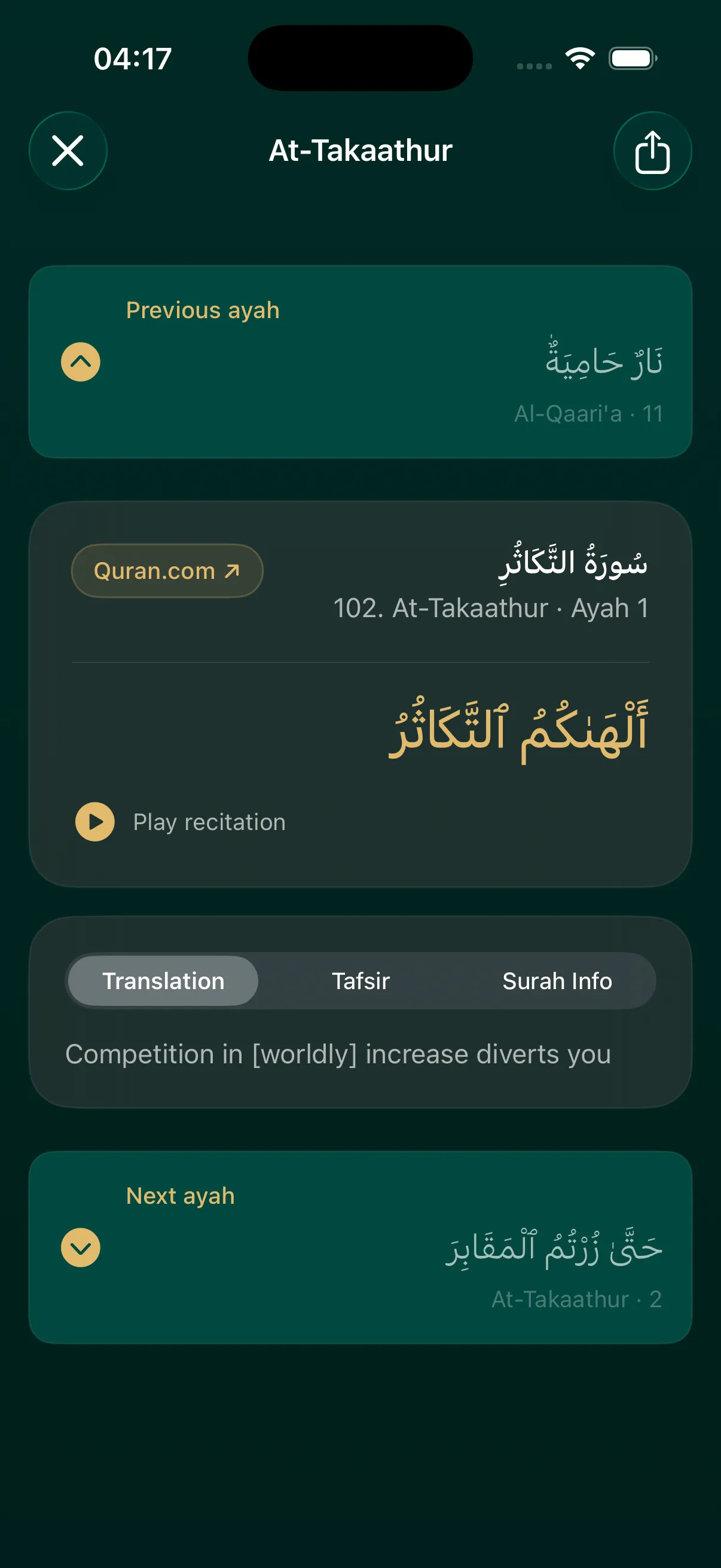
I like the tafsir function. It’s very nice. Mic function and identifying ayahs works well too.
App Store review, Australia
★★★★★
as an hafizh thats what I really needed
App Store review, Türkiye
★★★★★
Such an app for Quran lovers, 10/10, would recomend for all muslims who wants to practice
App Store review, Türkiye
★★★★★
This app is amazing! It really helped me by memorizing a surah or listening to the Quran, Baraka Allahu feek!
Safiya, UAE
★★★★★
Super App !!!!
App Store review, Germany
★★★★★
Ich hab die App getestet und ich bin wirklich begeistert! Ich habe in meinem Leben nicht so eine funktional hochwertige App für Quran Lernen/Hören genutzt! So einfach aufgebaut, simpel und extrem schnell!! Einfach nur Wow - Mashallah. Gut gemacht!
Mahassen, Germany
★★★★★
Eine der schönsten Quran-Apps, die ich bisher genutzt habe. Schlicht, angenehm und wirklich hilfreich. Man merkt, dass viel Herz darin steckt.
Ghudi, UAE
★★★★★
I was wondering many times which surah or ayah is recited when I attended a gathering where the Quran was recited. Every muslim should get this app. It identifies the ayah very quickly.
Fatma, Germany
★★★★★
Allahuma Barek, eine sehr tolle App!! Ich finde sie super.
Eleen, Germany
★★★★★
I like the app. Thank you for releasing it.
App Store review, Germany
★★★★★
I like the tafsir function. It’s very nice. Mic function and identifying ayahs works well too.
App Store review, Australia
★★★★★
as an hafizh thats what I really needed
App Store review, Türkiye
★★★★★
Such an app for Quran lovers, 10/10, would recomend for all muslims who wants to practice
App Store review, Türkiye
★★★★★
This app is amazing! It really helped me by memorizing a surah or listening to the Quran, Baraka Allahu feek!
Safiya, UAE
★★★★★
Super App !!!!
App Store review, Germany
★★★★★
Ich hab die App getestet und ich bin wirklich begeistert! Ich habe in meinem Leben nicht so eine funktional hochwertige App für Quran Lernen/Hören genutzt! So einfach aufgebaut, simpel und extrem schnell!! Einfach nur Wow - Mashallah. Gut gemacht!
Mahassen, Germany